
When to Start Your Seating Chart
Don't even think about it until RSVPs close (2-3 weeks before the wedding). Before that, you're just rearranging names that might not even come. Start with a rough draft, then finalize 5-7 days before.
The Table Types
- Round tables (8-10 guests) — Most common. Everyone can see each other. Great for conversation.
- Long banquet tables — More dramatic look. Better for larger weddings. Harder for guests to talk to people across the table.
- Sweetheart table — Just the bride and groom. Intimate, romantic, and you can actually eat without 10 people talking to you.
- Head table — Bride, groom, and wedding party. Traditional but can feel isolating for the party's dates.
Rules of Thumb
- Family tables near the front — Parents, grandparents, and immediate family get the best seats.
- Keep feuding people apart — Divorced parents? Put them on opposite sides. Everyone knows the drama — don't pretend it doesn't exist.
- Mix, don't separate — Don't put "bride's friends" at one table and "groom's friends" at another. Mix people who will enjoy each other.
- Singles together — Single friends seated together can keep each other company (and maybe hit it off).
- Kids table — If there are enough kids, give them their own table with activities. Parents will love you.
- Elderly guests — Near exits (bathroom access), away from speakers, at comfortable-height tables.
For Arab/Muslim Weddings
- Separate sections — If your wedding has separate men's and women's areas, plan two seating charts.
- Family hierarchy — In many Arab cultures, where families sit reflects respect. Consult your parents on the family arrangement.
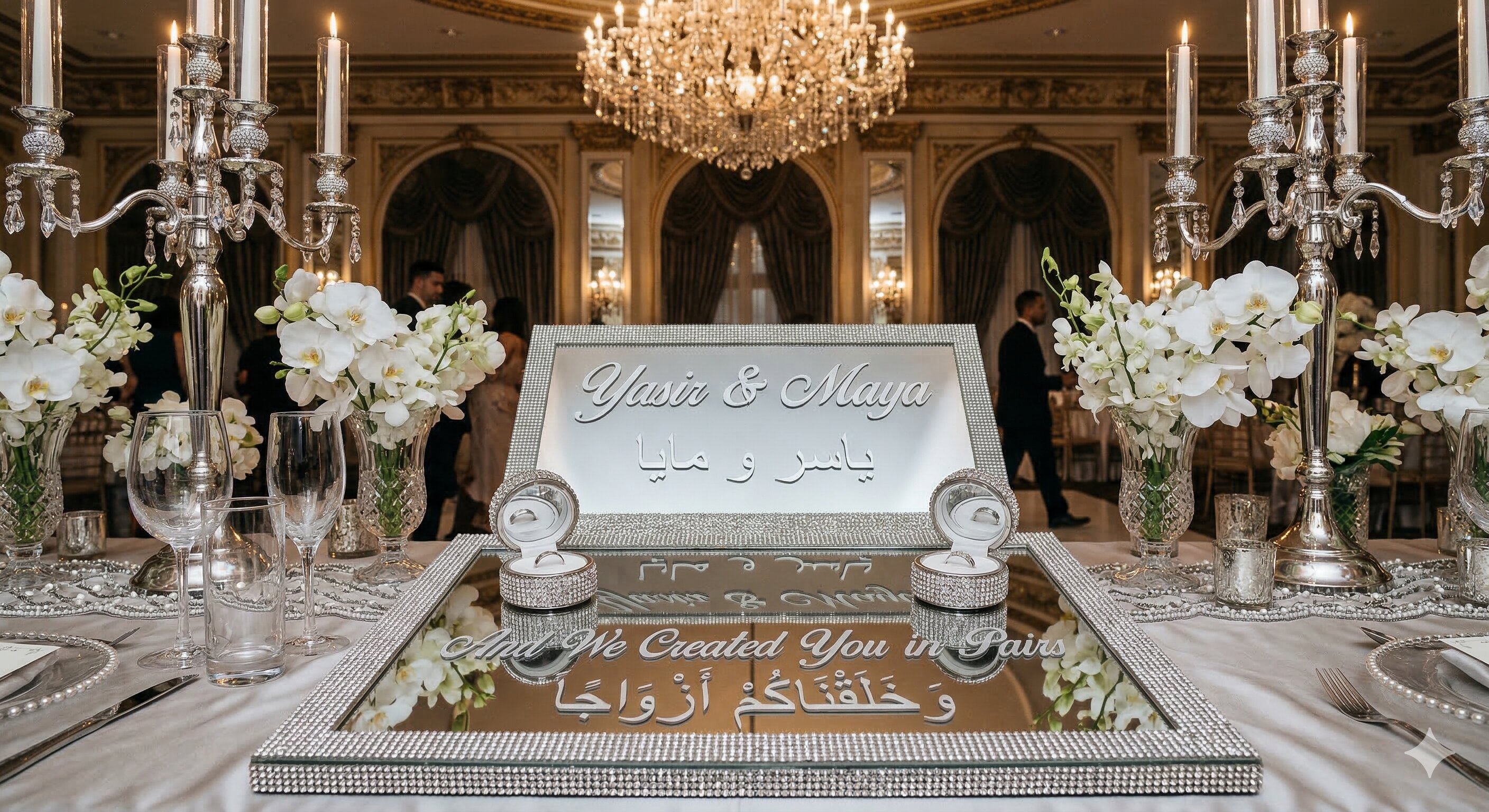
- The shabka table — Reserve space for your display pieces. Don't crowd the ring display table with dinner plates.
Tools to Make It Easier
- Use sticky notes on a poster board — you can physically move people around.
- Free tools like AllSeated or TablePlanner let you drag and drop digitally.
- Or just use a spreadsheet — simple and effective.


